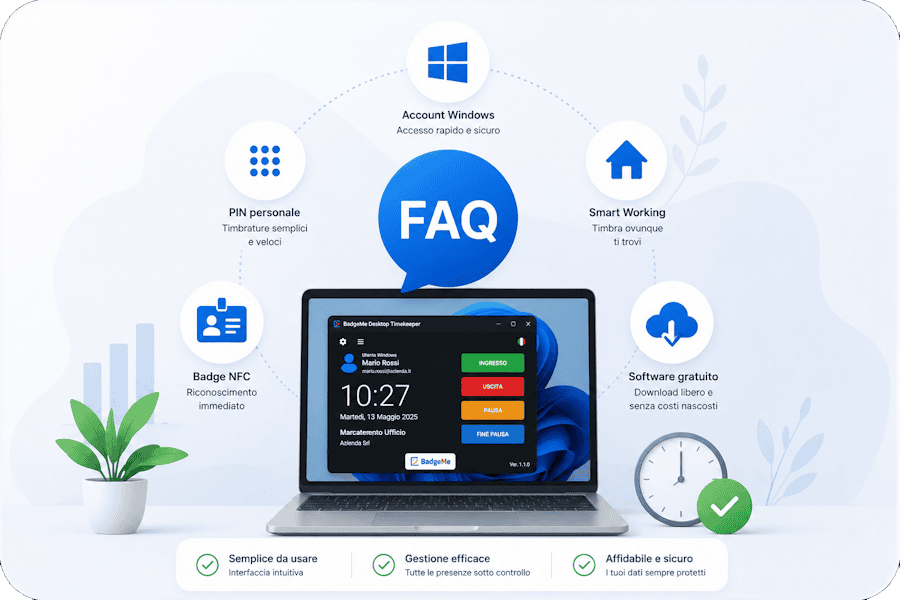
Turn any Windows PC into an employee time clock. Employees can clock in and out using Windows user authentication, personal PIN codes or NFC badges, while all attendance records are synchronized with BadgeMe. A simple and cost-effective solution for offices, multiple locations and remote teams.
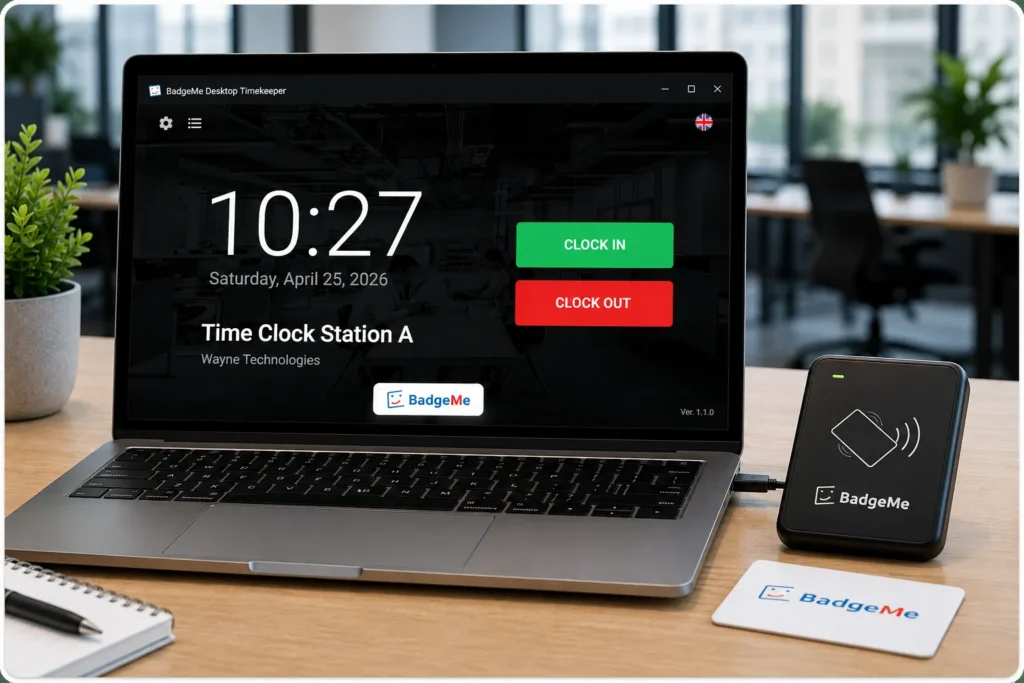
How Does a PC Time Clock Work?
Download the software, install it on a Windows PC and connect it to BadgeMe. Employees can clock in and out using Windows user authentication, personal PIN codes or NFC badges, while attendance records are synchronized with the platform and immediately available to managers and administrators.
Windows User Authentication
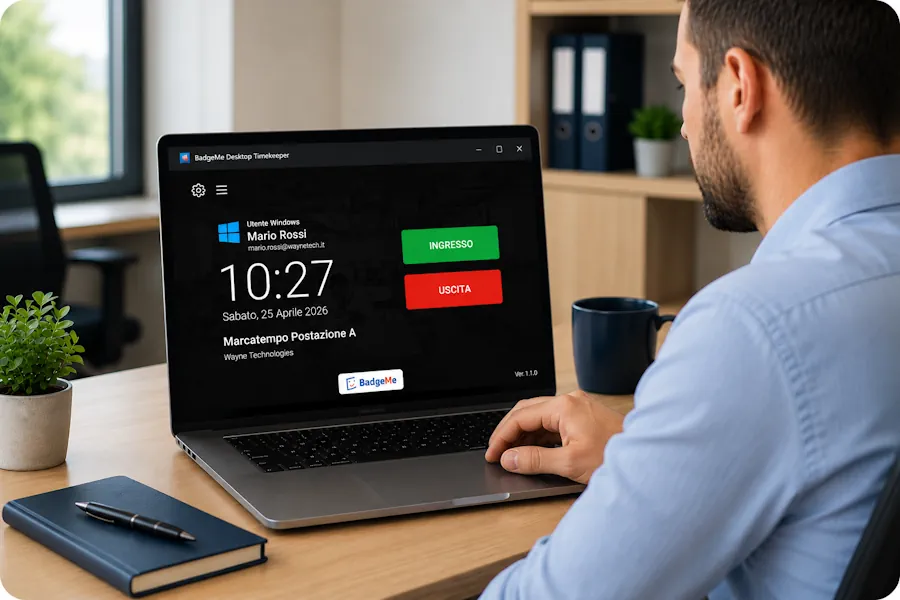
BadgeMe can identify employees through their Windows account. Once the application is opened, users can clock in or out with a single click. A simple and convenient solution for offices, administrative staff and remote workers.
Personal PIN Authentication
Employees can identify themselves using a personal PIN code and record attendance in seconds. A simple and reliable solution for retail stores, warehouses, reception desks and workplaces where multiple employees share the same computer.
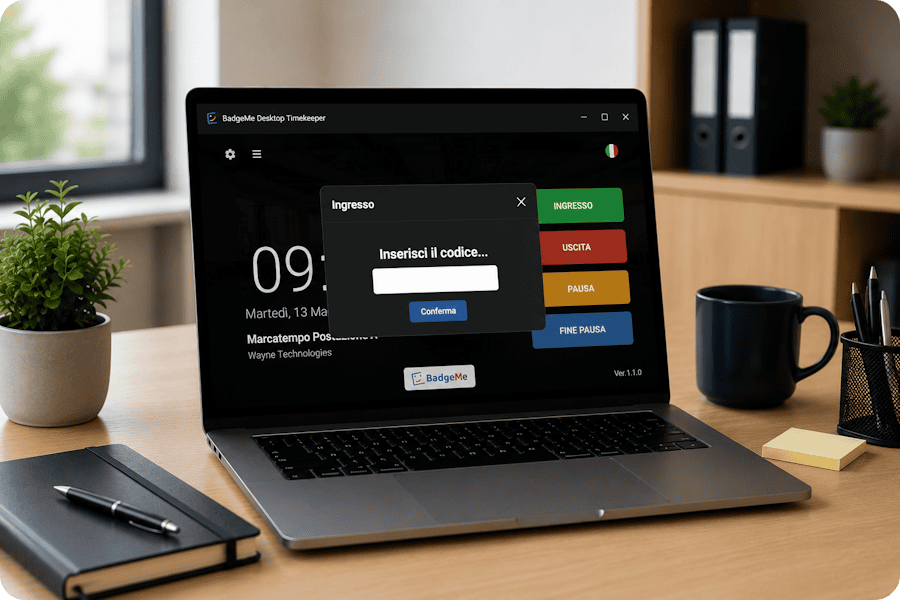
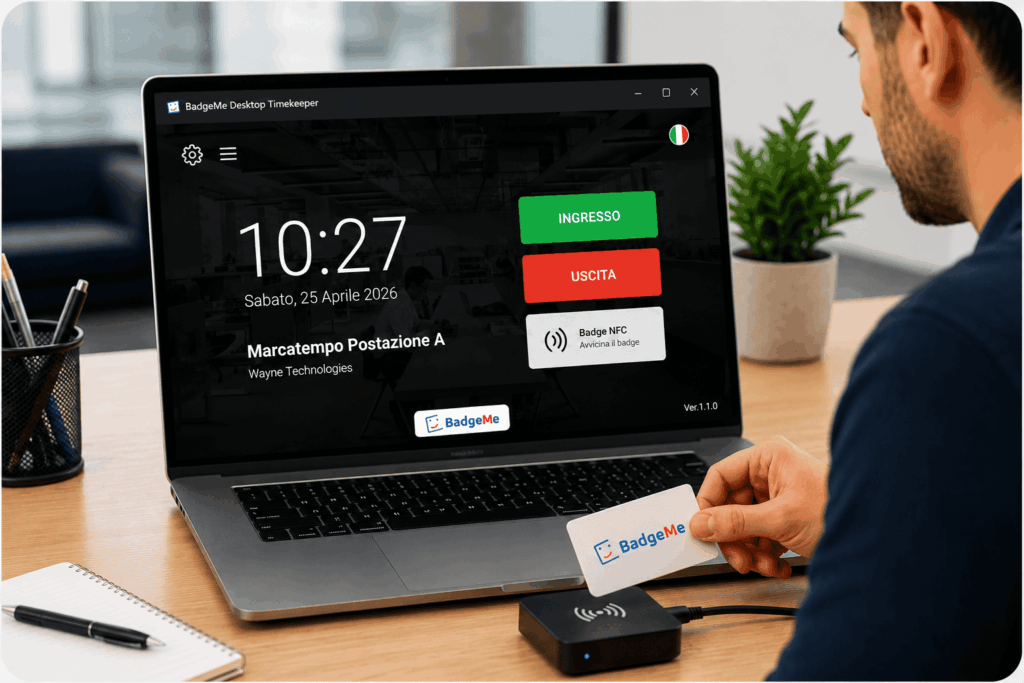
Employees can clock in and out by simply presenting an NFC badge to a reader connected to the computer. BadgeMe supports PC/SC compatible NFC readers, allowing companies to use reliable and cost-effective identification devices without proprietary hardware.
Employees can clock in and out from anywhere using their company computer. Whether working in the office, from home or across multiple locations, attendance records are automatically synchronized with BadgeMe and immediately available to managers and administrators.
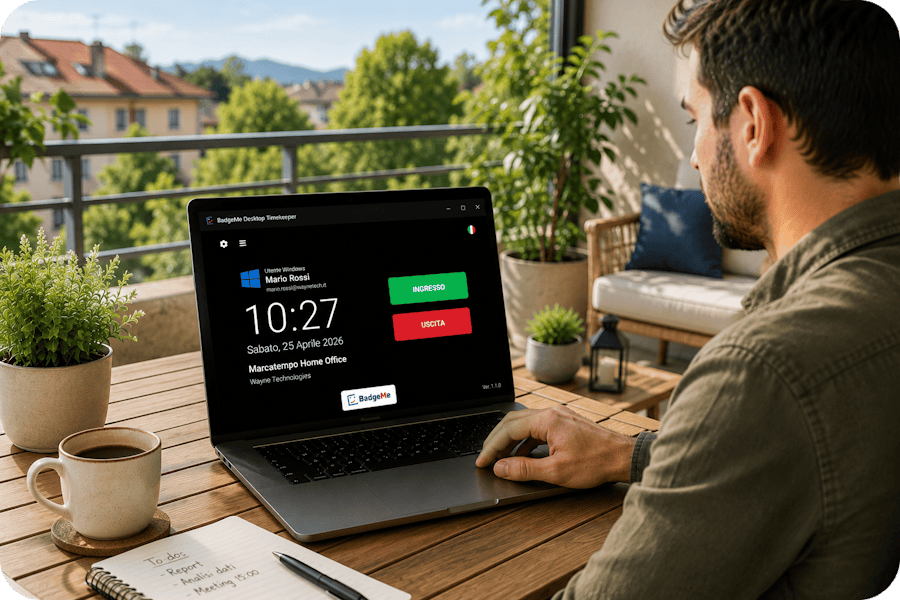
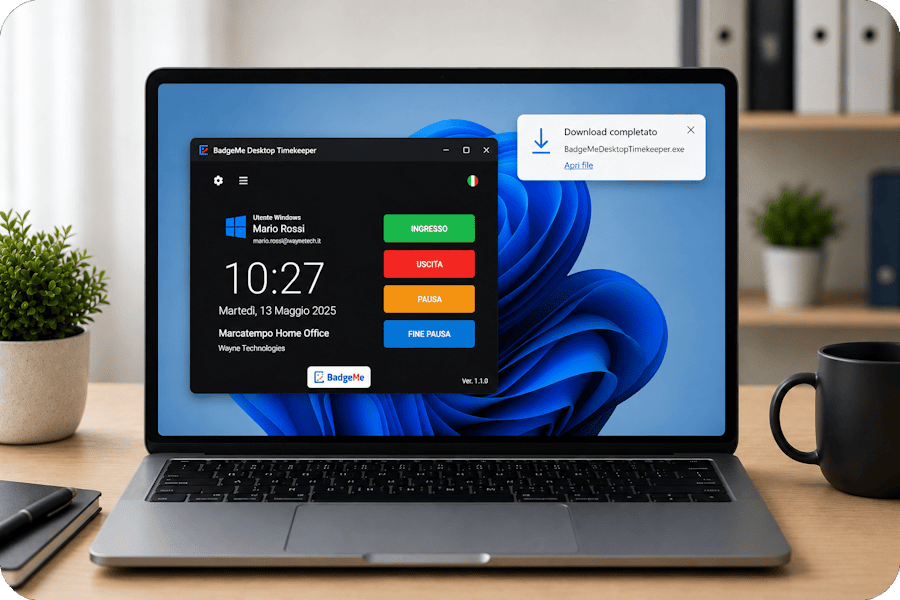
BadgeMe Desktop Timekeeper is available free of charge and can be downloaded from the official GitHub repository. Install it on any Windows PC and start tracking employee attendance using Windows user authentication, PIN codes or NFC badges
Scaricalo GratisThe BadgeMe PC Time Clock is fully integrated with the BadgeMe attendance tracking platform. All clock-ins and clock-outs are automatically synchronized, giving managers real-time visibility into employee attendance, working hours and overtime.
From a single platform, companies can manage attendance records, vacation requests, leave, overtime and reporting without relying on spreadsheets or manual processes..
Discover the Employee Time Tracking Software → Discover software in cloud for employee time tracking
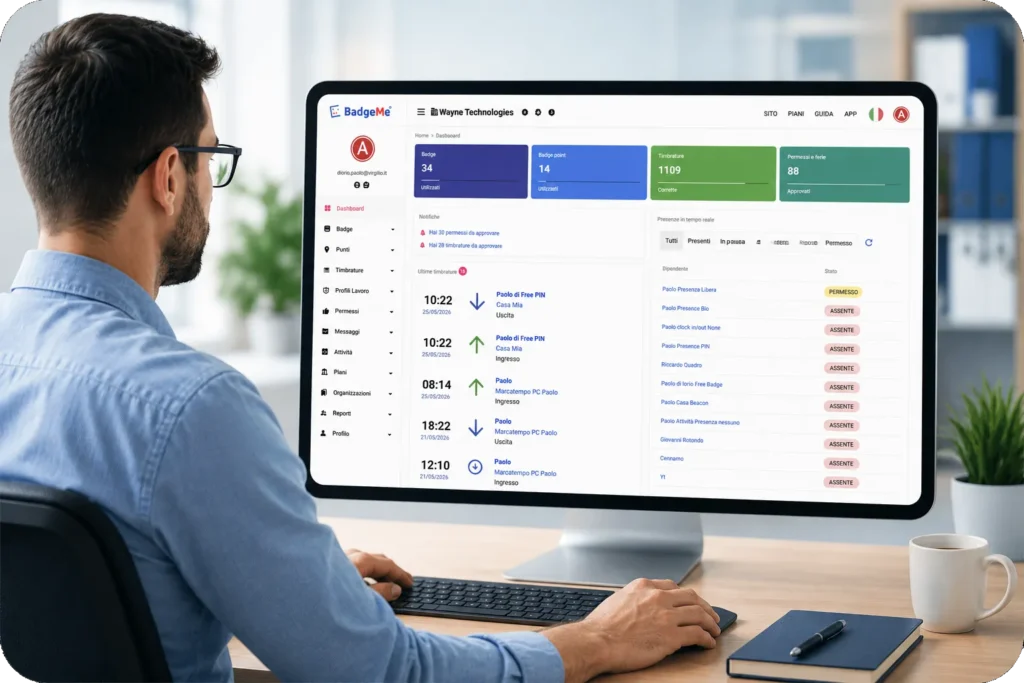
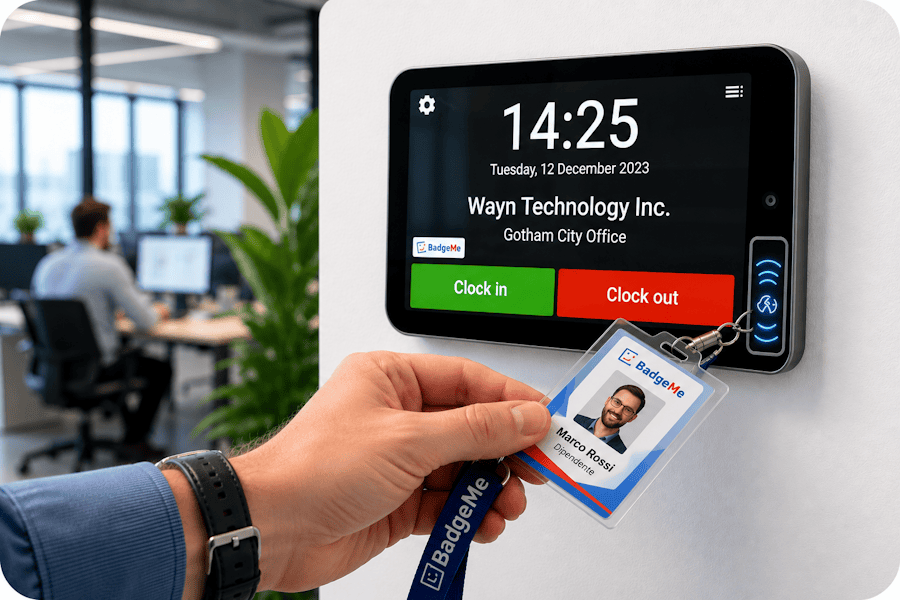
The PC Time Clock allows employees to clock in and out directly from their computer, without the need for dedicated hardware. For businesses that prefer a centralized attendance terminal, BadgeMe also offers the BM001 Time Clock, a physical device with NFC badge support and seamless cloud synchronization. Both solutions are fully integrated with BadgeMe and can be managed from a single attendance dashboard.
Everything you need to know. Find answers to the most common questions about the BadgeMe PC Time Clock, supported authentication methods and software downloads.
BadgeMe supports multiple identification methods, including Windows user authentication, personal PIN codes and NFC badges used with PC/SC compatible readers.
Yes. BadgeMe Desktop Timekeeper is fully compatible with Windows 10 and Windows 11 and can be installed in just a few minutes.
Yes. Employees can clock in and out while working remotely using their company computer. Attendance records are automatically synchronized with BadgeMe.
Sì. BadgeMe Desktop Timekeeper è disponibile gratuitamente e può essere scaricato dal repository GitHub ufficiale. Il software può essere utilizzato come postazione di timbratura integrata con la piattaforma BadgeMe.